Self-Host Your Own Push Notification Server with ntfy
ntfy turns any HTTP request into a push notification - no API keys, no vendor lock-in. Here's how to deploy your own private instance on Railway in minutes.
What is ntfy?
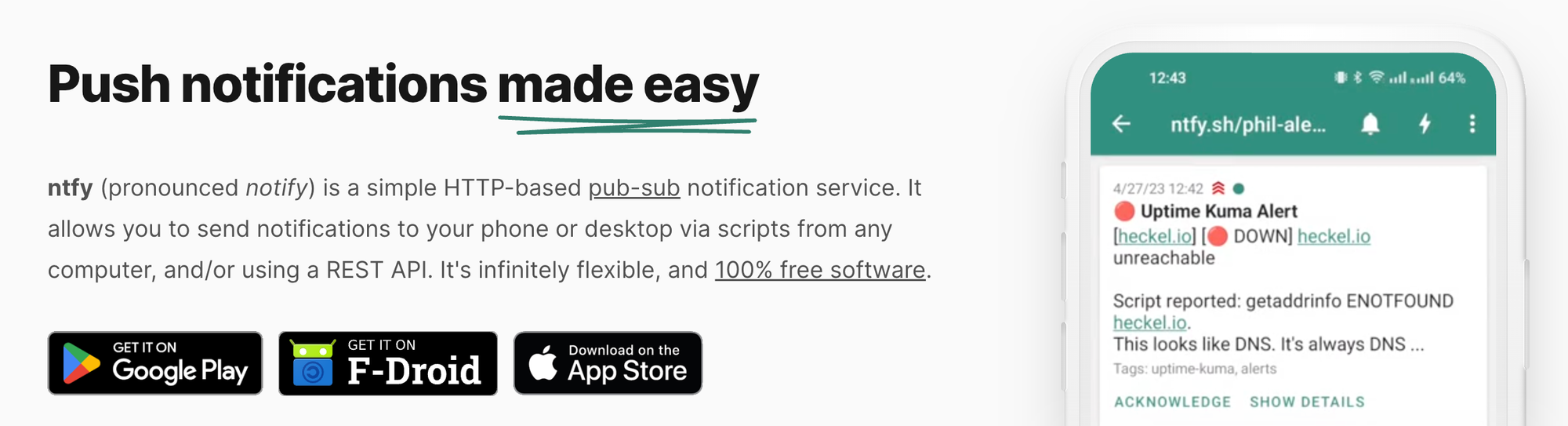
ntfy (pronounced "notify") is an open-source push notification service that lets you send alerts to your phone or desktop via plain HTTP requests. There is no SDK to install, no account to create, and no API key to manage. You publish a message with a curl command (or any HTTP client), and it appears as a push notification on any subscribed device — Android, iOS, desktop, or the web UI.
Why Self-Host Instead of Using ntfy.sh?
The public ntfy.sh server is free to use for low-volume, public topics, but it has certain limitations for production use:
- No authentication: All topics on the
ntfy.shserver are public by default (and design); anyone can publish or subscribe to any topic. - Message retention: The public server caches messages for a limited time; your own server can retain them as long as you want.
- Rate limits: The public server throttles high-frequency publishing; you can control the limits on your own instance.
- Attachments: File attachments require a self-hosted instance with a configured storage backend; the public server does not cater for it.
- Privacy: Messages sent to ntfy.sh are handled by a third-party server, who could potentially log them. Self-hosting ensures data is under your control.
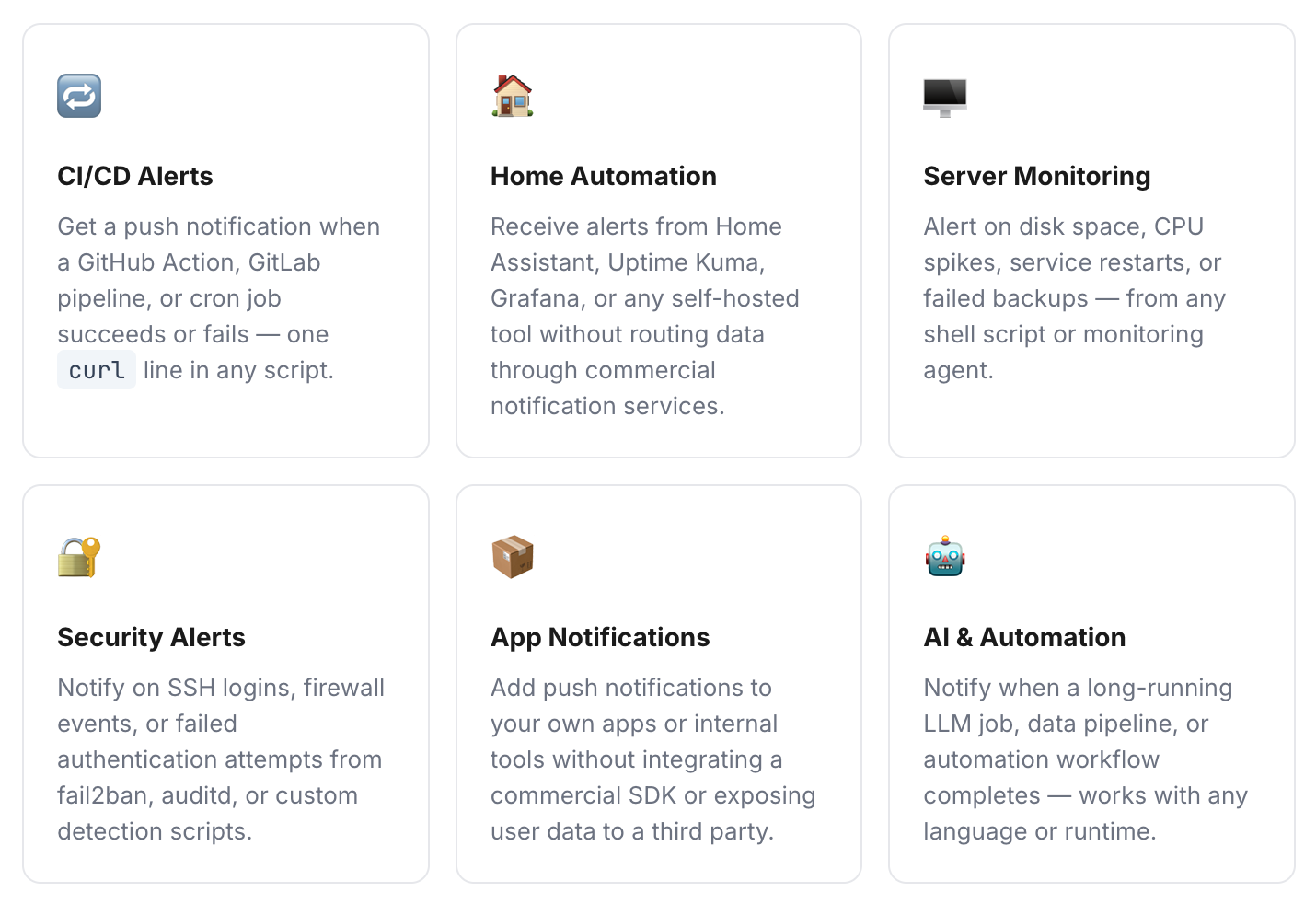
Common Use Cases
Deploy ntfy on Railway with One-Click Starter
Railway is a modern platform that hosts your infrastructure so you don't have to deal with configuration, while allowing you to vertically and horizontally scale it. If you don't already have an account, sign up using GitHub, and click Authorize Railway App when redirected. New users get a one-time $5 trial credit (30 days), after which the Hobby plan costs $5/month. Launch the ntfy one-click starter template (or click the button below) to deploy it instantly on Railway.

Review the settings and click Deploy; the deployment will kick off immediately. Once deployed, ntfy will be live at a xxx.up.railway.app domain. You can start using it immediately - no additional configuration required for basic use. If you are interested in setting up a custom domain, see the final section of this post.
The template pre-sets the following environment variables. You can view and edit all of these in your Railway service settings:
NTFY_BEHIND_PROXY=true
NTFY_CACHE_FILE=/var/lib/ntfy/cache.db
NTFY_AUTH_FILE=/var/lib/ntfy/auth.db
NTFY_ATTACHMENT_CACHE_DIR=/var/lib/ntfy/attachments
NTFY_BASE_URL=https://<your-railway-domain>
All three paths - cache, auth, and attachments - are on the persistent volume, so nothing is lost between deployments.
Locking Down Your Instance
By default, the server allows anyone with the URL to publish and subscribe. For a private instance, add these two variables in Railway's service settings:
NTFY_AUTH_DEFAULT_ACCESS=deny-all
NTFY_ENABLE_LOGIN=true
Then create your first admin user. Open a Railway shell session for your service and run: ntfy user add --role=admin. You'll be prompted to set a password. From this point, all publish and subscribe requests will require authentication.
Additional Configuration Options
The Railway template gets you up and running quickly, but ntfy has a rich set of configuration options for more advanced deployments. All of these are set as environment variables in Railway. The full reference is at docs.ntfy.sh/config.
| Environment Variable | What It Does | Example Value |
|---|---|---|
NTFY_CACHE_DURATION | How long messages are cached and re-deliverable to late subscribers | 24h, 72h |
NTFY_ATTACHMENT_TOTAL_SIZE_LIMIT | Maximum total size of all stored attachments across all topics | 5G |
NTFY_ATTACHMENT_FILE_SIZE_LIMIT | Maximum size of a single attachment upload | 15M |
NTFY_ATTACHMENT_EXPIRY_DURATION | How long attachments are retained before being deleted | 3h |
NTFY_GLOBAL_TOPIC_LIMIT | Maximum number of topics allowed across the entire server | 5000 |
NTFY_VISITOR_REQUEST_LIMIT_BURST | Max requests a single IP can make in a burst before rate limiting kicks in | 60 |
NTFY_VISITOR_MESSAGE_DAILY_LIMIT | Max messages a single IP can publish per day | 15000 |
NTFY_SMTP_SENDER_ADDR | SMTP relay for sending email notifications from ntfy topics | smtp.example.com:587 |
NTFY_SMTP_SERVER_LISTEN | Makes ntfy accept inbound email — publish to a topic by sending an email | :25 |
NTFY_UPSTREAM_BASE_URL | Relay to ntfy.sh for iOS instant push via Apple APNs (required for iOS) | https://ntfy.sh |
NTFY_WEB_PUSH_PUBLIC_KEY / NTFY_WEB_PUSH_PRIVATE_KEY | VAPID keys for Web Push — enables browser push notifications without polling | VAPID key pair |
NTFY_LOG_LEVEL | Logging verbosity for debugging | info, debug |
NTFY_AUTH_USERS | Define users directly in env vars (bcrypt-hashed passwords) instead of via CLI | See docs |
iOS Push Notifications
iOS requires notifications to be delivered via Apple's APNs infrastructure. Since self-hosted instances don't have APNs credentials, ntfy supports a relay mode - your server forwards notifications to the public ntfy.sh server, which relays them to APNs. Enable it by setting NTFY_UPSTREAM_BASE_URL=https://ntfy.sh. Note that this means ntfy.sh sees the topic name and message. If you want full privacy, consider Android (which uses direct WebSocket delivery) or Web Push.
Web Push
For browser-based push notifications that work even when the ntfy web app isn't open, you can enable Web Push.
Subscribing to Your Instance
Once your server is running, subscribe to topics using any of ntfy's clients:
- Android: ntfy on Google Play or F-Droid. Add the server URL in app settings.
- iOS: ntfy on the App Store. Requires upstream relay for push (see above).
- Web: navigate to
https://your-instance.railway.appin any browser - CLI:
ntfy subscribe --from-configwith your server configured in~/.config/ntfy/client.yml